Technical Specification – Metallized Labels
Material
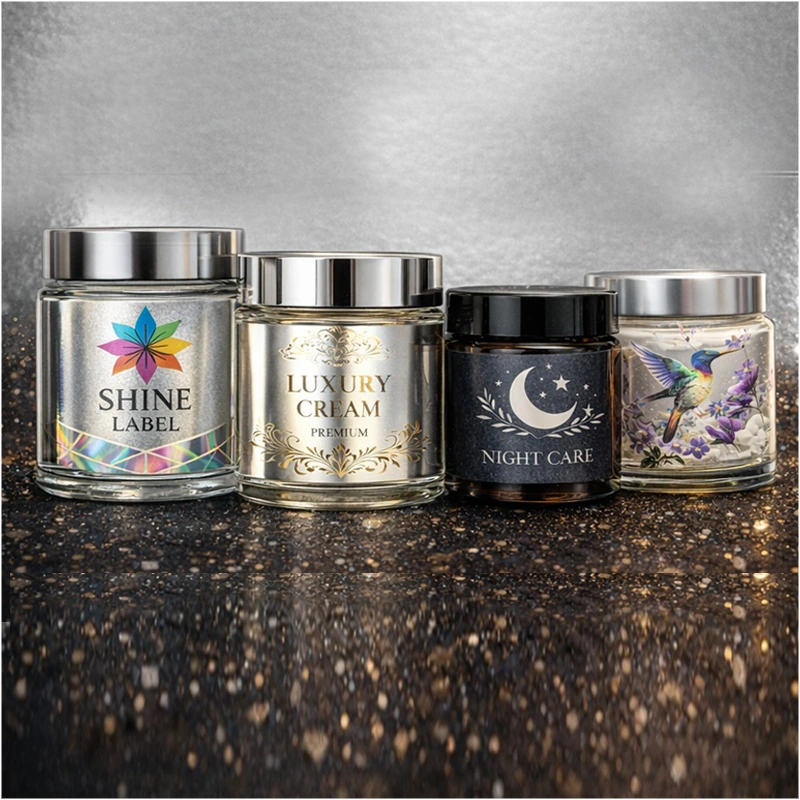
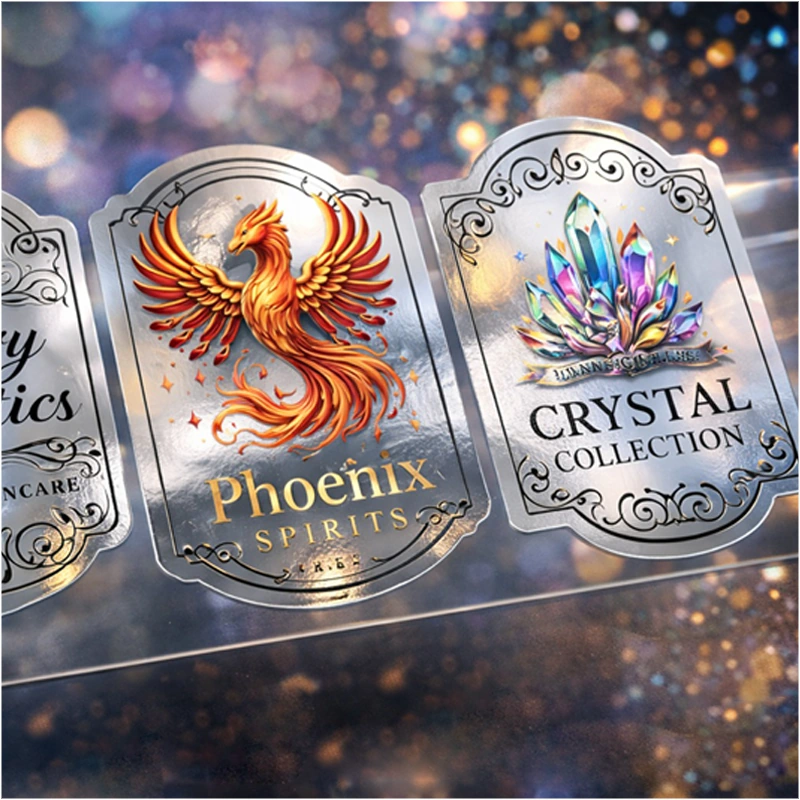
Metallized self-adhesive foil
Available Types of Foil
Silver mirror foil - Oracal 352 – 23 µm (dedicated for smaller applications; due to the very low thickness of the material, its use on larger surfaces may be difficult and requires increased precision during application).
Silver gloss foil - Oracal 641 – 090G Silver Grey (gloss), 80 µm
Note: Gold Foil
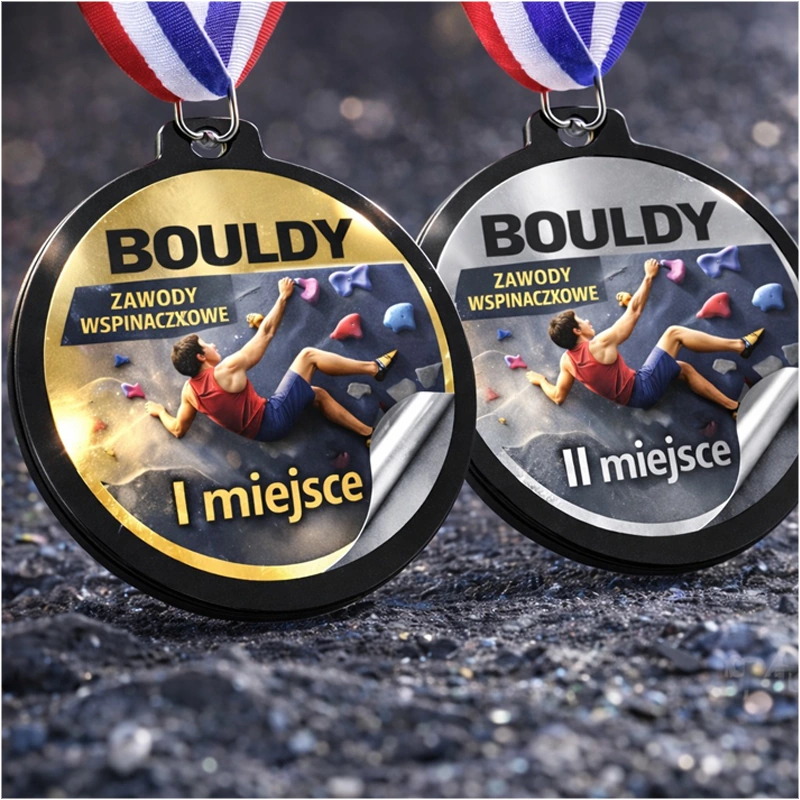
The gold foil effect can be achieved by CMYK printing on silver foil – this is the most commonly chosen and most popular solution in projects using metallized substrates; most often, a shade based on Y 100% with an addition of M approx. 20–40% (C 0 / K 0) is used for this purpose, while the final effect depends on the design, color profile, and type of foil.
UV Gel Printing
CMYK
CMYK + white
White Only
Black Only
Finishing
No finishing
Gloss lamination
Matte lamination
Shape and Cutting
Labels are produced in any shapes, plotter-cut according to an individual cutting grid design.
Additional Options
Personalization (e.g. variable data)
Mounting on magnetic backing
Delivery Method
Stickers are delivered in sheets rolled up, with dimensions optimized for the production process,
not exceeding 800 × 1100 mm.
Note
Metallized substrates affect the color perception in CMYK printing. CMYK printing without a white underprint gives the colors a metallic character and may alter their appearance. The use of white – either alone or as an underprint beneath CMYK – provides full coverage, high legibility, and allows for stronger contrast and more stable colors. This is not a product defect, but a natural feature of printing on metallized materials.
Delivery
Labels are delivered on sheets with a width of 800mm and a length resulting from the label imposition (not longer than 1100mm). They are not suitable for automatic/semi-automatic application.